

LuckyBoom Casino Registration in 3 Steps, With Currency Chosen on the First Screen and Sign-In via Google or Apple
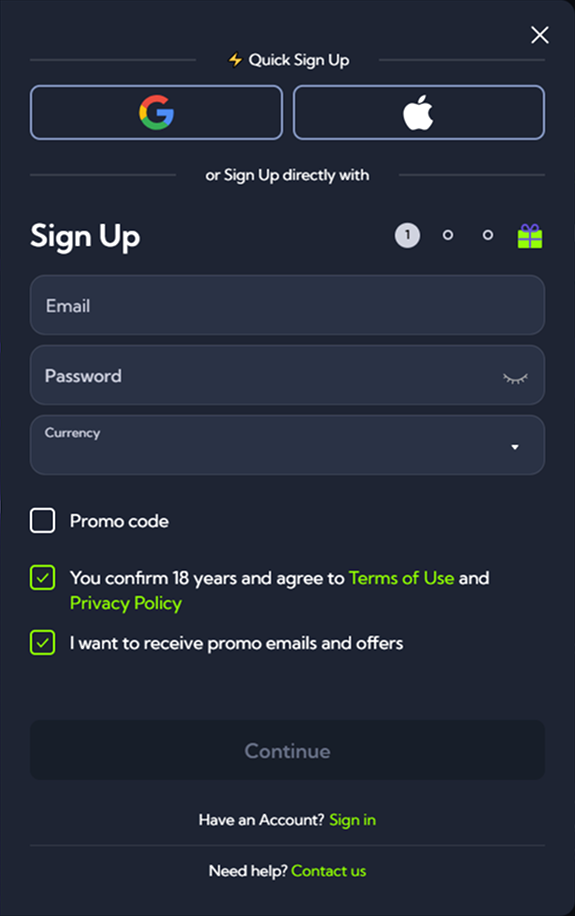
The LuckyBoom Casino sign-up form has three steps and takes one or two minutes: currency, email and password. Instead of entering details manually, you can sign in via Google or Apple. The licence, promotions and payouts are covered on the main LuckyBoom Casino page, while here we describe the registration and what to do right after it. Two details are worth knowing in advance. The currency cannot be changed once the account is created, and access to the account can only be restored by email.
Ways to Open an Account
| Method | What you need | Password on the site |
|---|---|---|
| Form | currency, email and password | set by the player |
| Google or Apple | an account with the external service | not created |
There is no registration by phone number. Both methods work in the browser on a computer and a smartphone.
Registration Step by Step
- Choose a currency. It is set on the first screen and fixed for good. All limits and promotions are stated in euros, so EUR is the right choice for a player from Europe.
- Enter your email. The address becomes your login and the only channel for restoring access.
- Create a password. Use letters, numbers and symbols, and do not reuse your email password.
- Confirm your age and the terms. Tick that you are 18 or over and accept the rules.
- Follow the link in the email. If the email is delayed, request it again.
What the Form Does Not Ask For
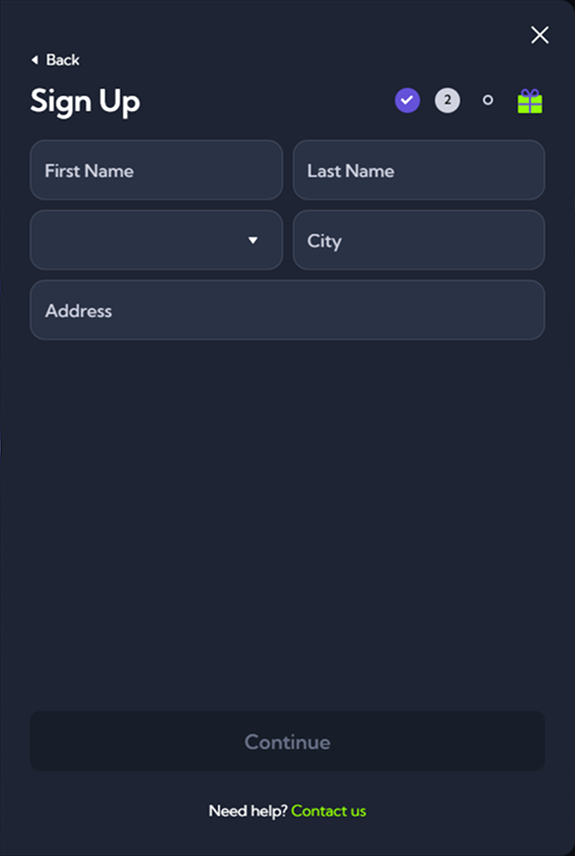
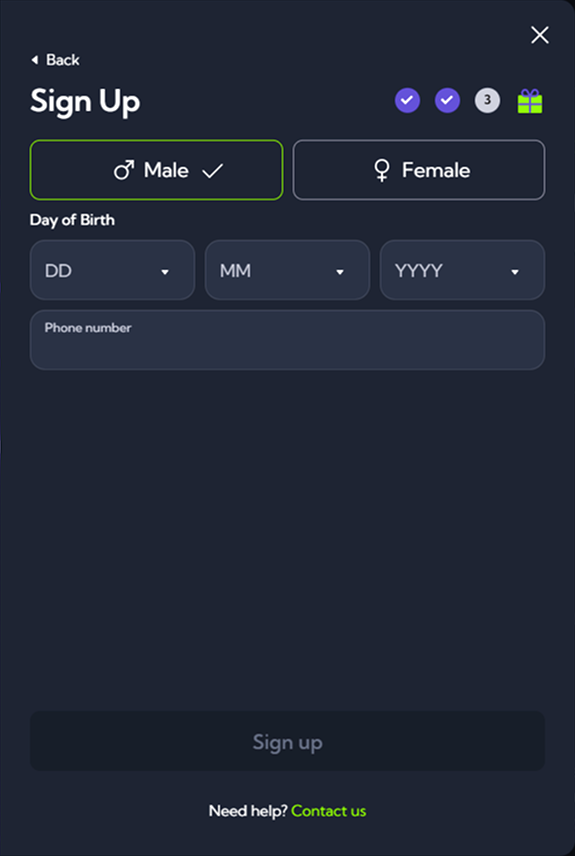
The form has no fields for name, date of birth, country, address or phone number. There is no promo code field either, as the promotion is chosen in the cashier with the first deposit. The casino requests identity documents before the first withdrawal.
Logging In
The login button is in the site header. You need the email and password you registered with. If your profile was created via Google or Apple, just press the service’s button and there is nothing to type.
Password Recovery
- Click “Forgot password?” on the login page.
- Enter the email you registered with.
- Open the email and follow the link.
- Set a new password.
There is no recovery by SMS or phone. Accounts created via Google or Apple have no separate password, and access to them is restored within the service itself. If you have lost access to your email, write to support. Once you confirm the account is yours, the team will replace the email in your profile.
First Deposit and Choosing a Promotion
Before paying, you need to select one welcome offer, and they cannot be combined.
| Promotion | What it gives |
|---|---|
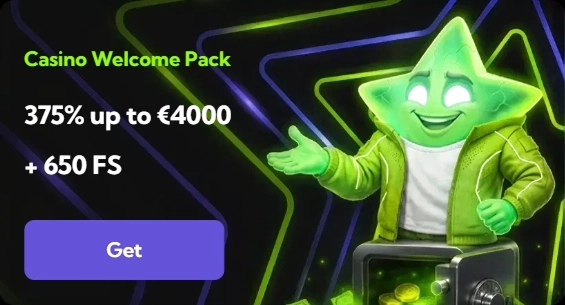
| Welcome Package | 1st tranche 100% up to €1,250 and 200 FS, full package 375% up to €4,000 and 650 FS |
| Live Welcome Bonus | 100% up to €1,000 for live tables |
| High Roller Bonus | 100% up to €3,000 and 150 FS with a deposit from €500 |
| Sports Welcome Package | 300% up to €1,200 over 3 deposits |
Card deposits with Visa, Mastercard, Maestro or Visa Electron are possible from €20 to €500. The cashier also accepts cryptocurrency.
Protecting Your Account
Your password should be unique, and your mailbox needs separate protection, as account access is reset through it. Check emails sent in the casino’s name by the sender’s domain. After playing on a shared device, log out manually. If you suspect someone else has logged in, change your password and write to the live chat.
Registering on a Smartphone
There are no apps, so the form opens in a mobile browser and fits on one screen. Signing in via Google or Apple saves you from typing, and the link from the email opens right in your phone’s browser.
Common Problems
| Problem | Solution |
|---|---|
| Email already in use | sign in via Google or Apple or reset your password |
| Email has not arrived | check your spam folder and request it again |
| Wrong currency chosen | only support can correct it |
| No access to your email | write to the chat or to [email protected] |
| Self-exclusion in place | no new account can be opened for that period |
Verdict
Opening an account at LuckyBoom Casino takes a couple of minutes. The key is to choose EUR straight away, use a permanent email and select your welcome offer before the first payment.